AdoptBriefAI
Track check-ins and the scorecard
Track is where you record what you see after each visit or call and turn it into a monthly Adoption Scorecard for the owner.
-
Record a check-in
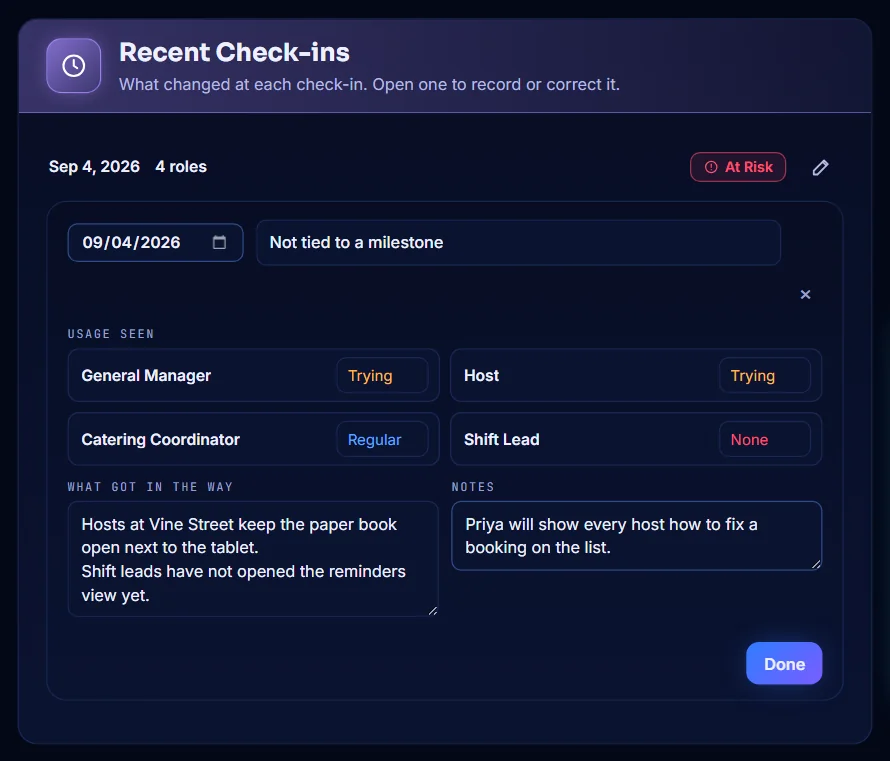
Open Track and select New check-in. In Recent Check-ins, set the date, choose the usage you saw for each role, and fill in What got in the way and Notes. Select Done.
-
Or let AdoptPilot read your notes
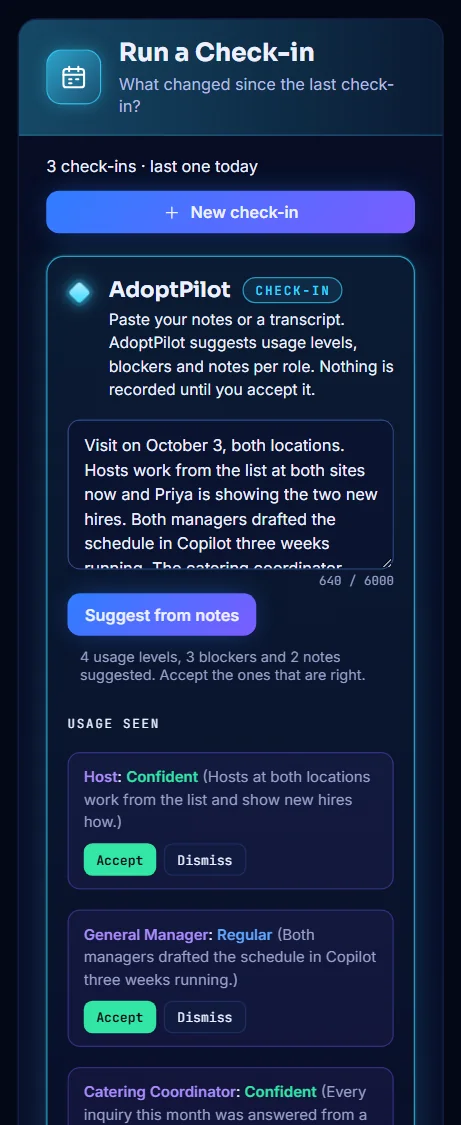
Select New check-in, then paste your notes or a transcript into the AdoptPilot box and select Suggest from notes. Select Accept on each usage level, blocker and note that is right. Accepted suggestions go into the newest check-in.
-
See usage by role
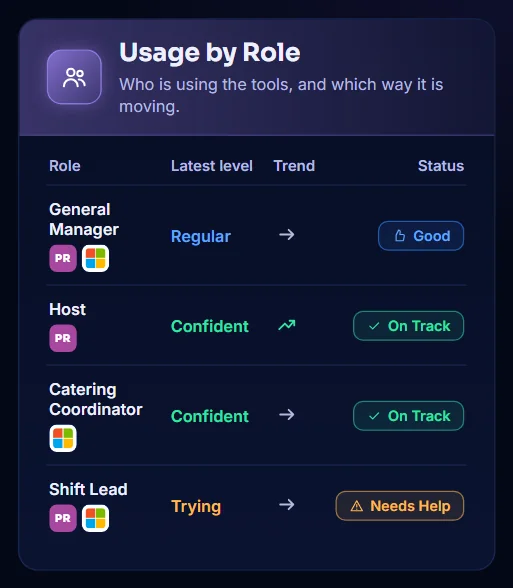
Usage by Role shows the latest level for each role, the trend since the previous check-in, and a status: On Track, Good, Needs Help or At Risk.
-
Generate the scorecard
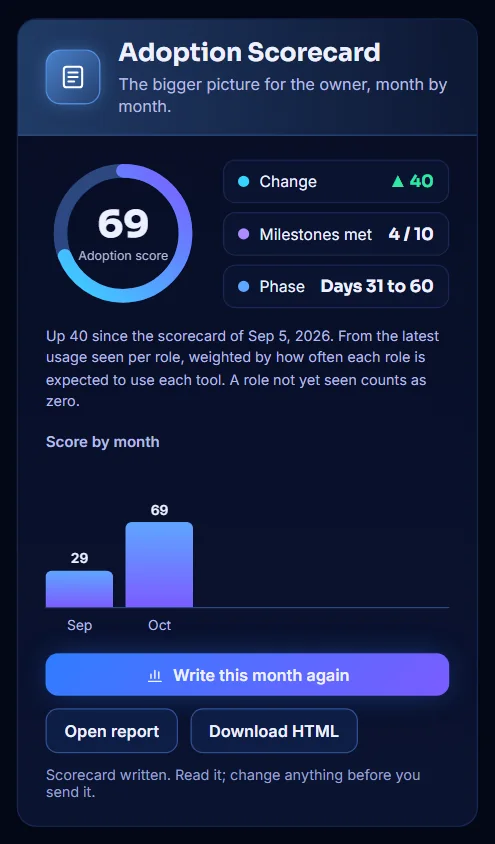
In Adoption Scorecard, select Generate Scorecard. Once a scorecard exists the button reads Write this month again. The card shows the adoption score, the change since the last scorecard, the milestones met and the score by month.
-
Read and edit the scorecard text
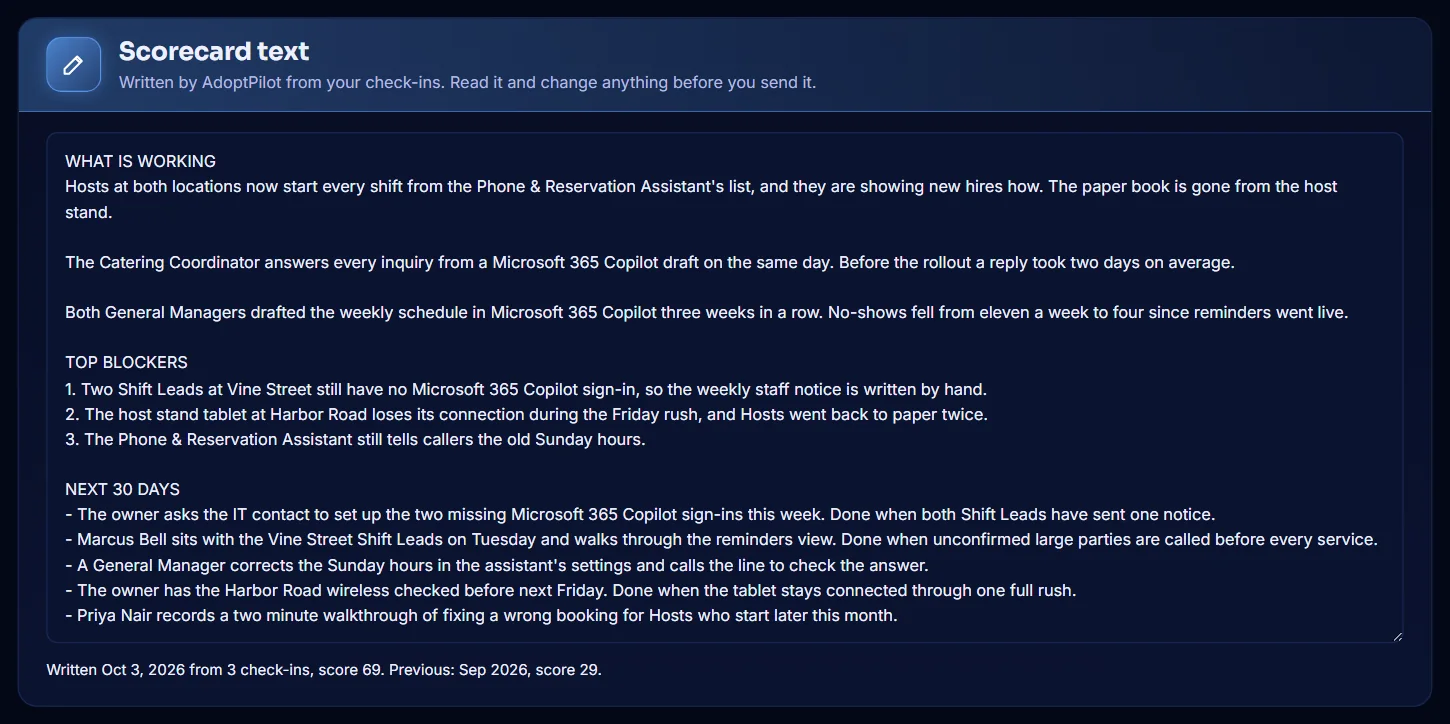
Scorecard text has three parts: what is working, the top blockers and the next 30 days. Read it and change anything before you send it.
-
Open the scorecard report
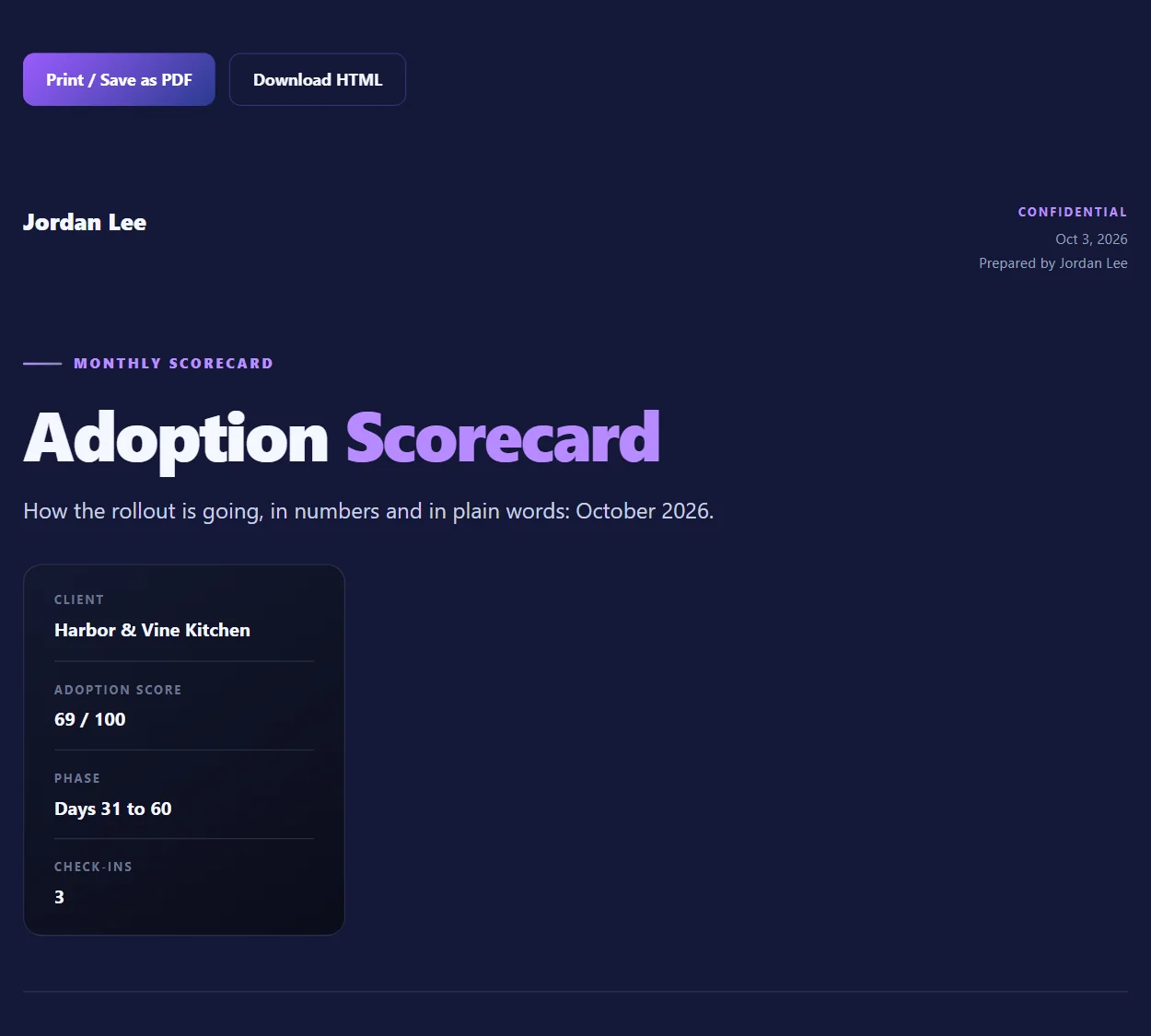
In Adoption Scorecard, select Open report. The scorecard opens in a new tab. Select Print / Save as PDF or Download HTML.
-
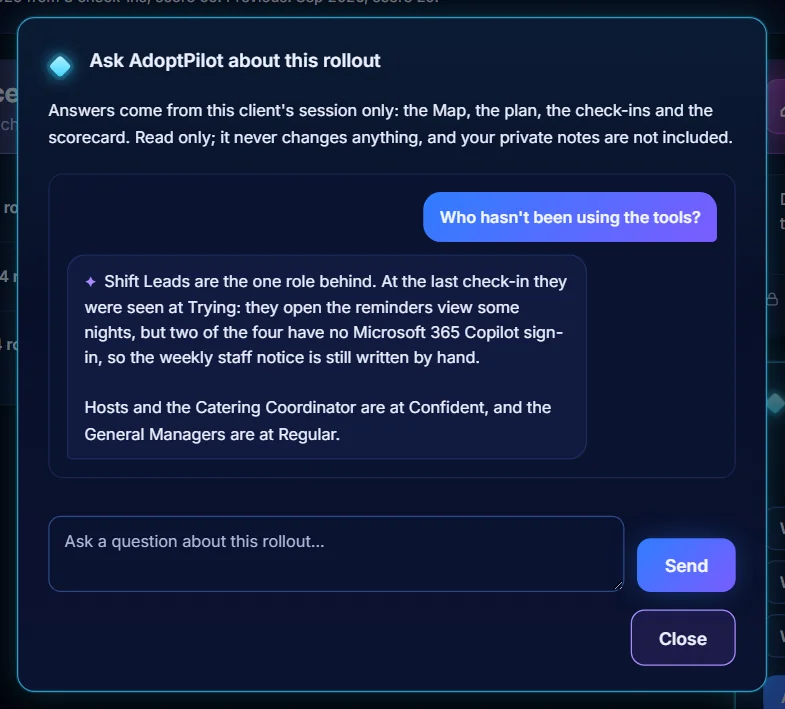
Ask AdoptPilot about the rollout
At the bottom of Track, select one of the ready questions or Ask a question. AdoptPilot answers from this client's session only. It never changes anything.