AdoptBriefAI
Plan the rollout and its milestones
Plan turns the Map into milestones over 90 days. Each milestone says what using the tool looks like for a role. Do this before the rollout starts.
-
Write the starting point and draft the plan
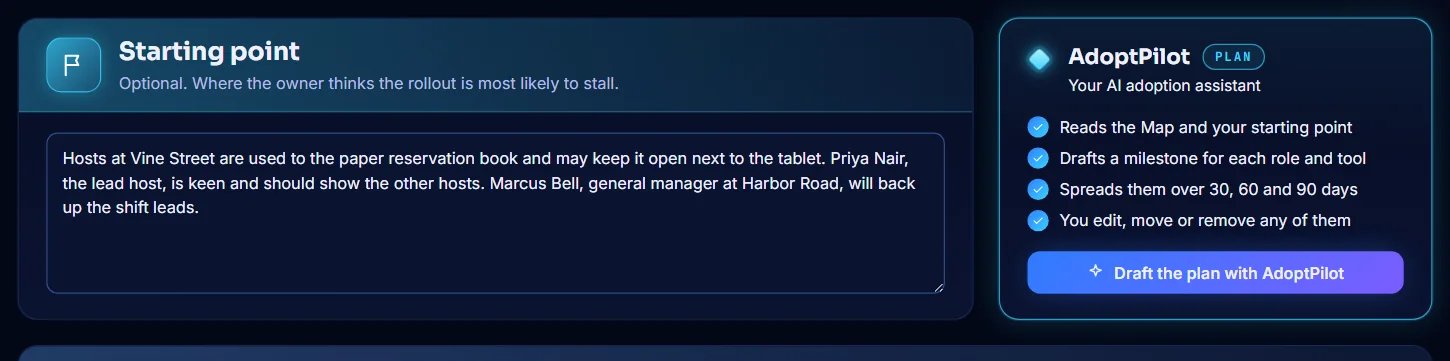
Open Plan. In Starting point, write where the rollout is most likely to stall and who can help. This is optional. Then select Draft the plan with AdoptPilot.
-
Read the milestones
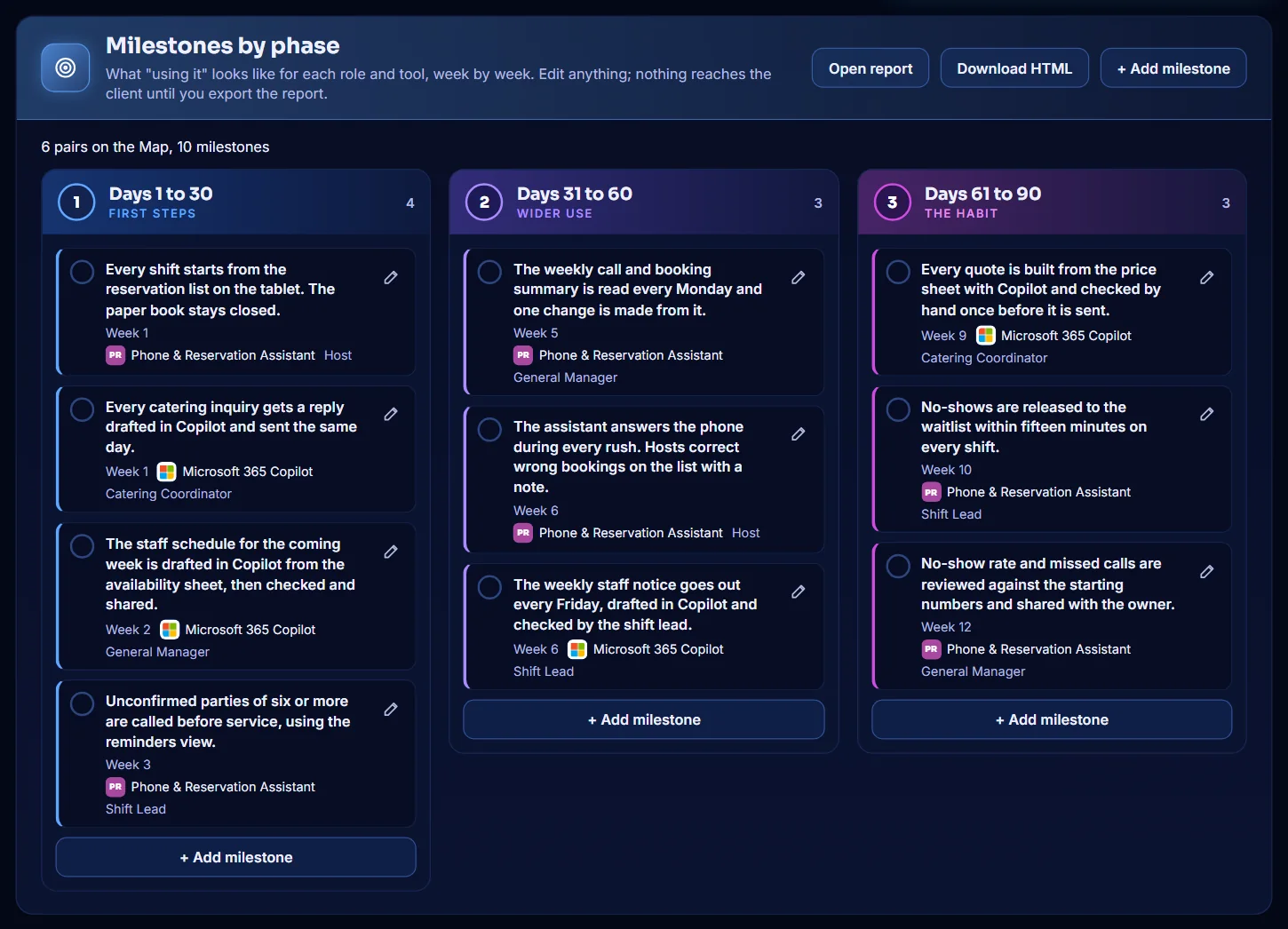
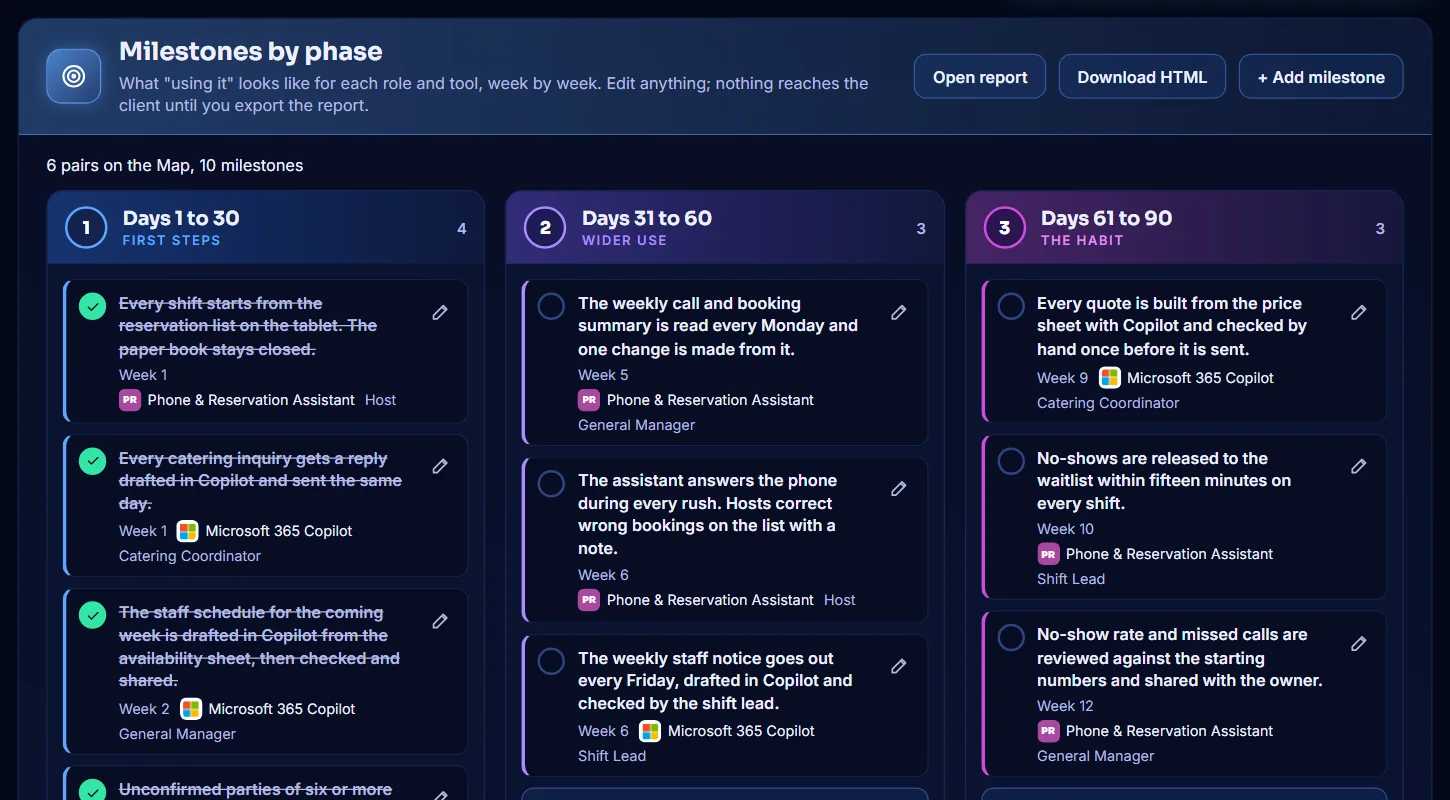
Milestones by phase shows the plan in three columns: Days 1 to 30, Days 31 to 60 and Days 61 to 90. Each milestone shows its week, its tool and its roles. Select + Add milestone to add your own.
-
Edit a milestone
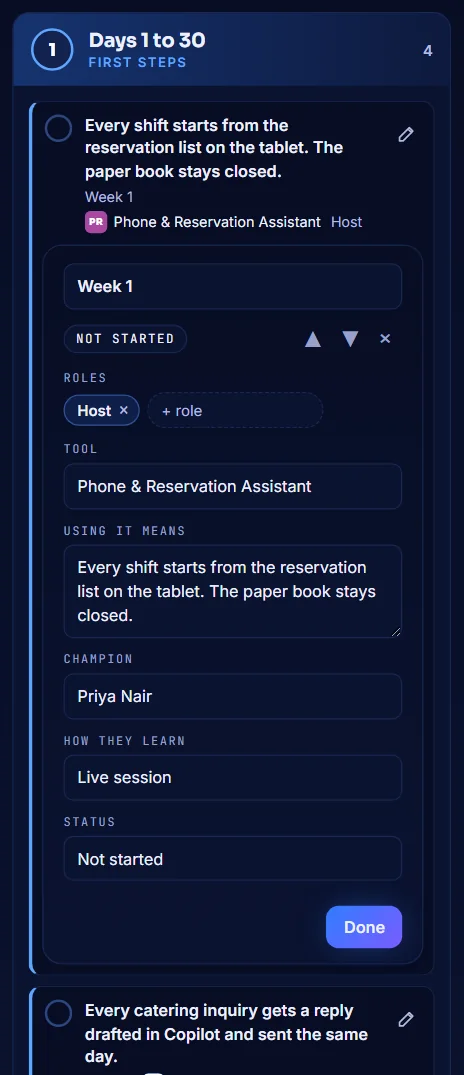
Select the pencil on a milestone. You can change the week, the roles, the tool, what Using it means, the Champion, How they learn and the Status. Select Done.
-
Name a champion for each role
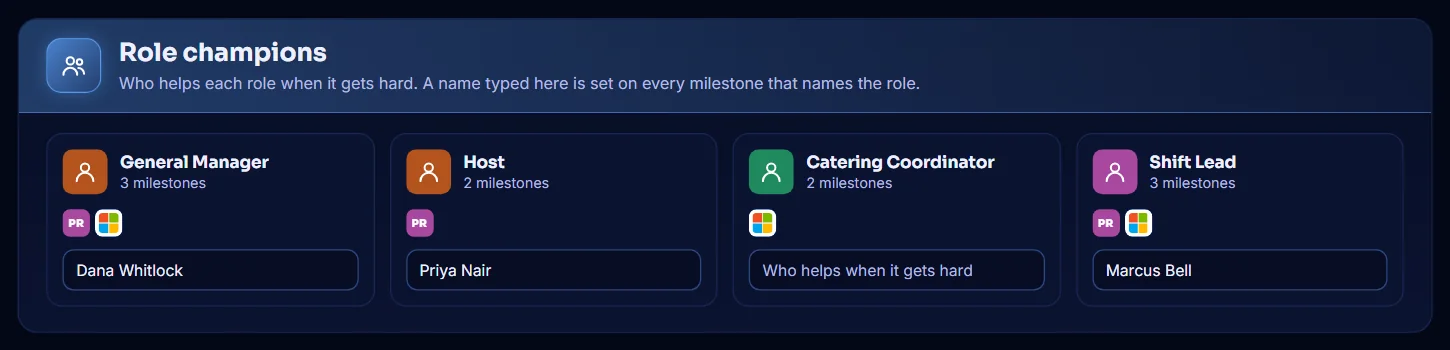
In Role champions, type the name of the person who helps each role when it gets hard. The name is set on every milestone for that role.
-
Mark milestones as done
As the rollout moves on, select the circle next to a milestone to mark it as done. Select it again to undo. Track uses these to show the phase and the milestones met.
-
Open the Adoption Plan report
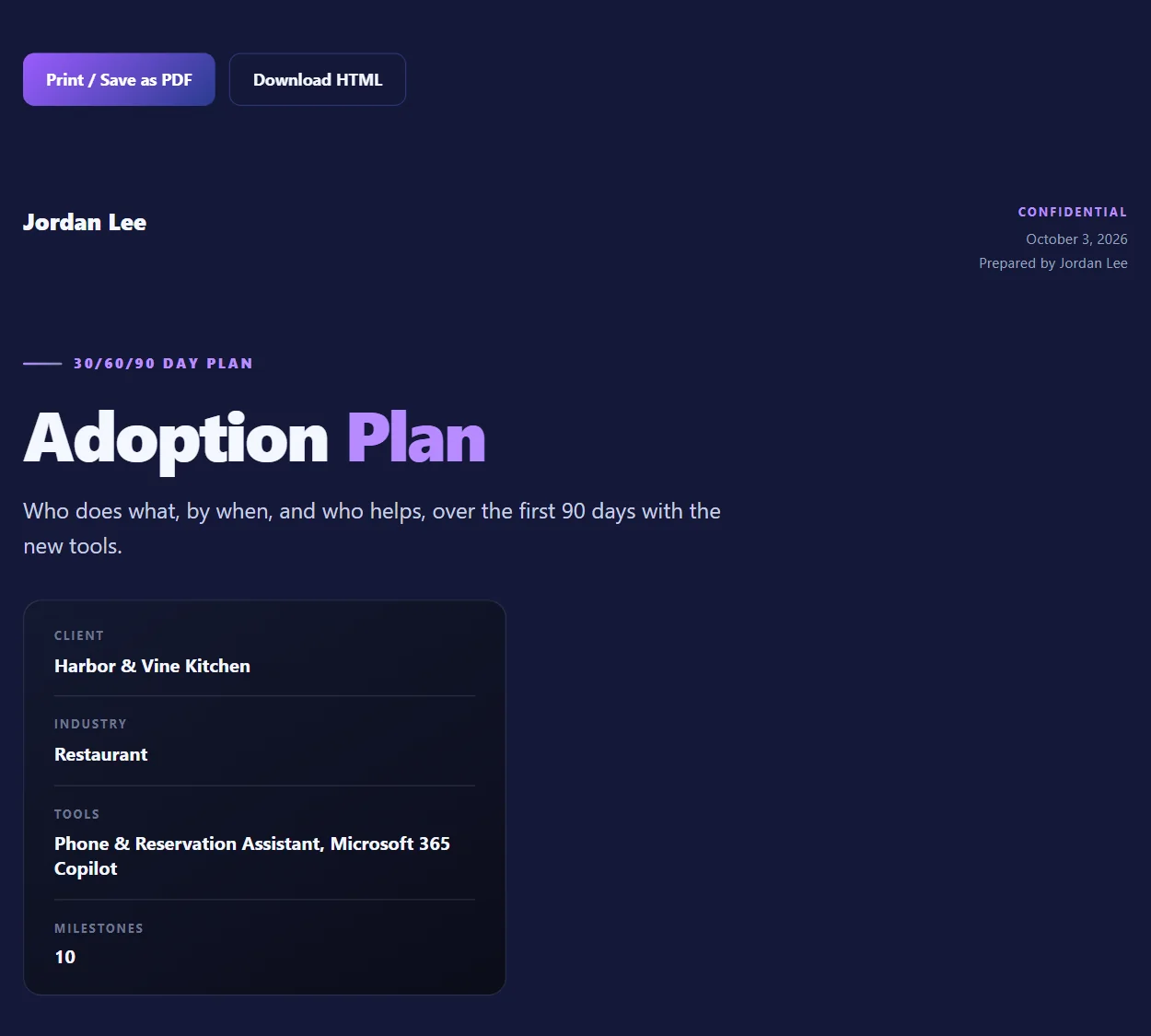
In the Milestones by phase header, select Open report. The Adoption Plan opens in a new tab. Select Print / Save as PDF or Download HTML.