ConsultCastAI
Past sessions and your account
Your finished sessions and your account details are both in the account menu at the top right.
-
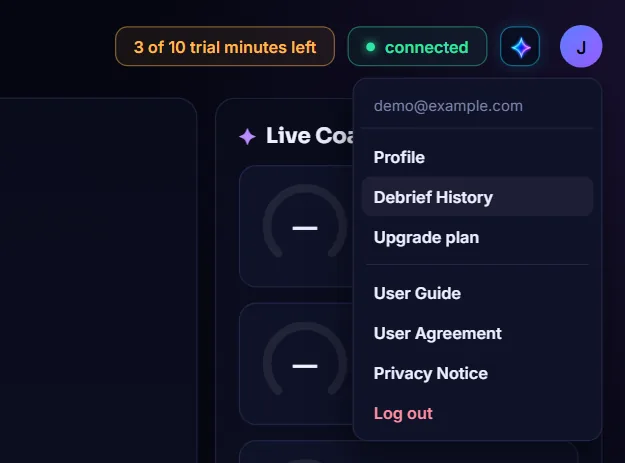
Open Debrief History
Click the round account button and choose Debrief History.
-
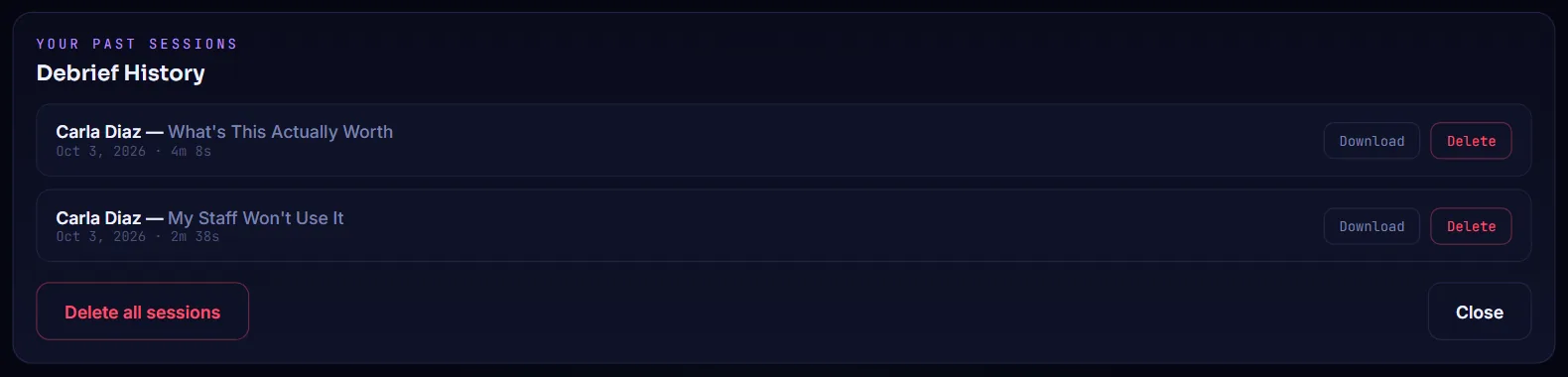
Browse your past sessions
Each finished session is listed with the persona, the scenario, the date and how long it ran, newest first.
-
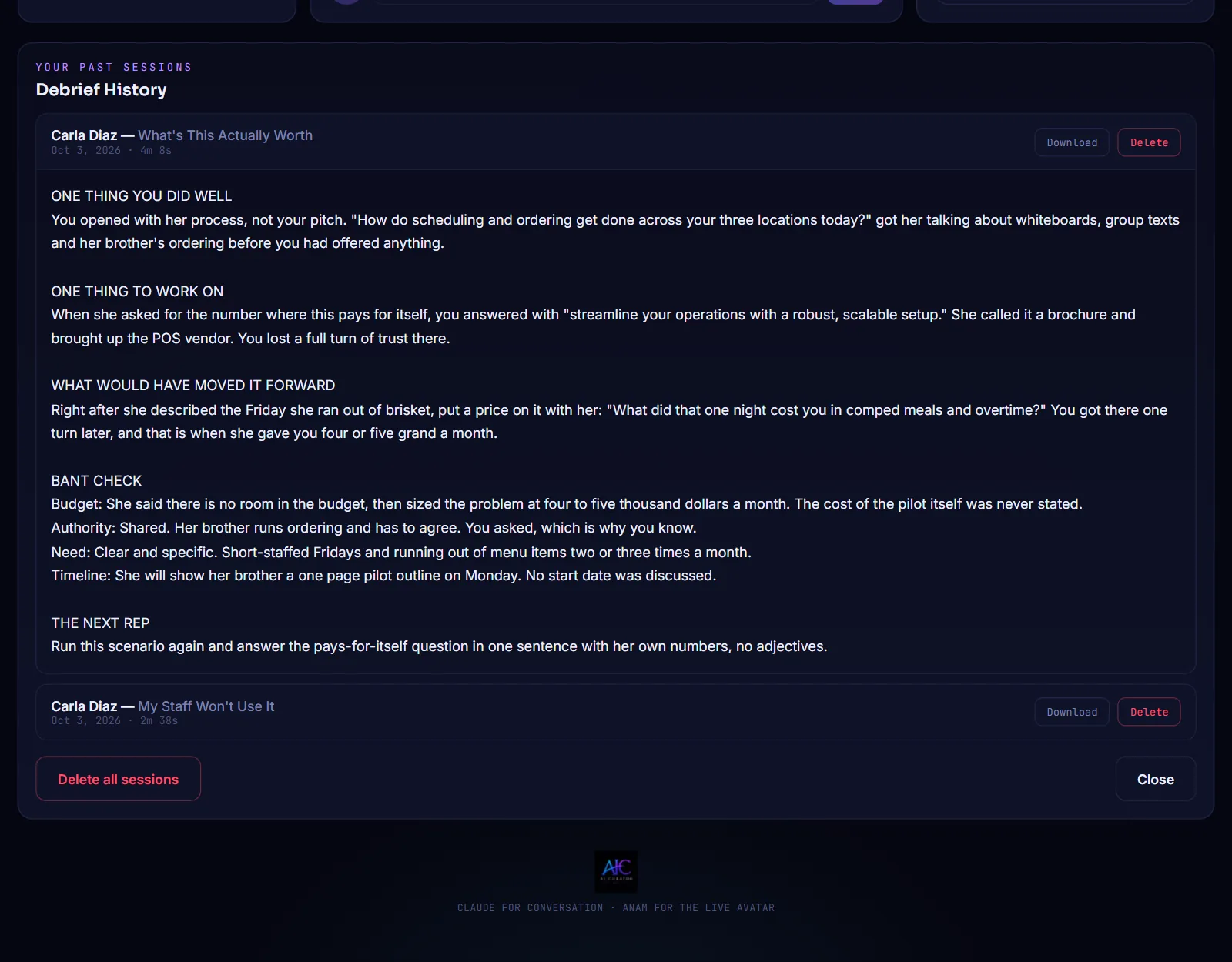
Reread a debrief
Click a session to open its debrief underneath. Click it again to close it.
-
Delete what you no longer need
Click Delete on one session, or Delete all sessions to clear the list. You are asked to confirm, and deleting cannot be undone. Click Close when you are done.

-
Check your profile
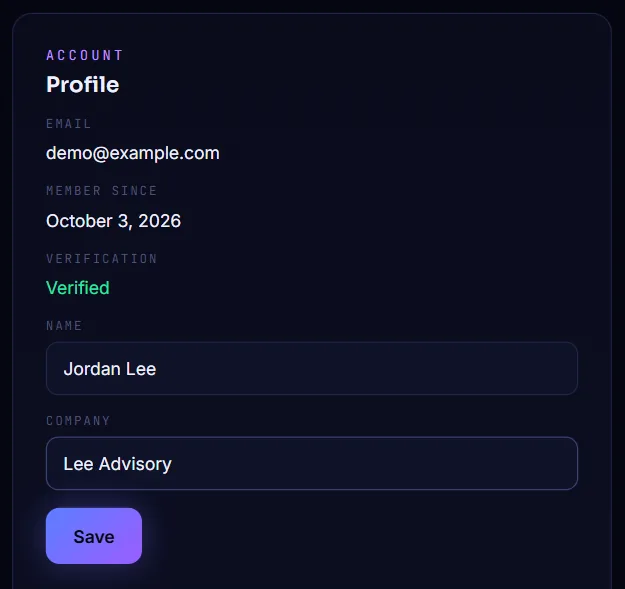
Choose Profile in the account menu to see your email, the date you joined and whether your email is verified, with boxes for your name and company.
-
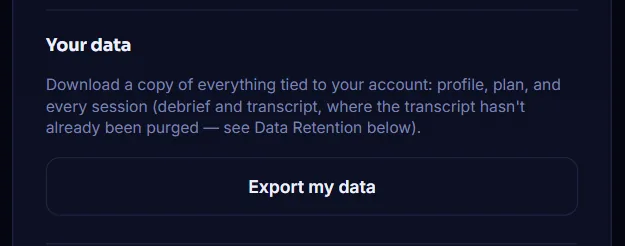
Export your data
Further down the Profile panel, under Your data, click Export my data to download a file with your profile, your plan and every session.