ConsultCastAI
Hold the conversation and use the coaching
During the session you talk with the persona turn by turn. After each thing you say, the coaching panel tells you how it landed. This page shows the typed version of the conversation.
-
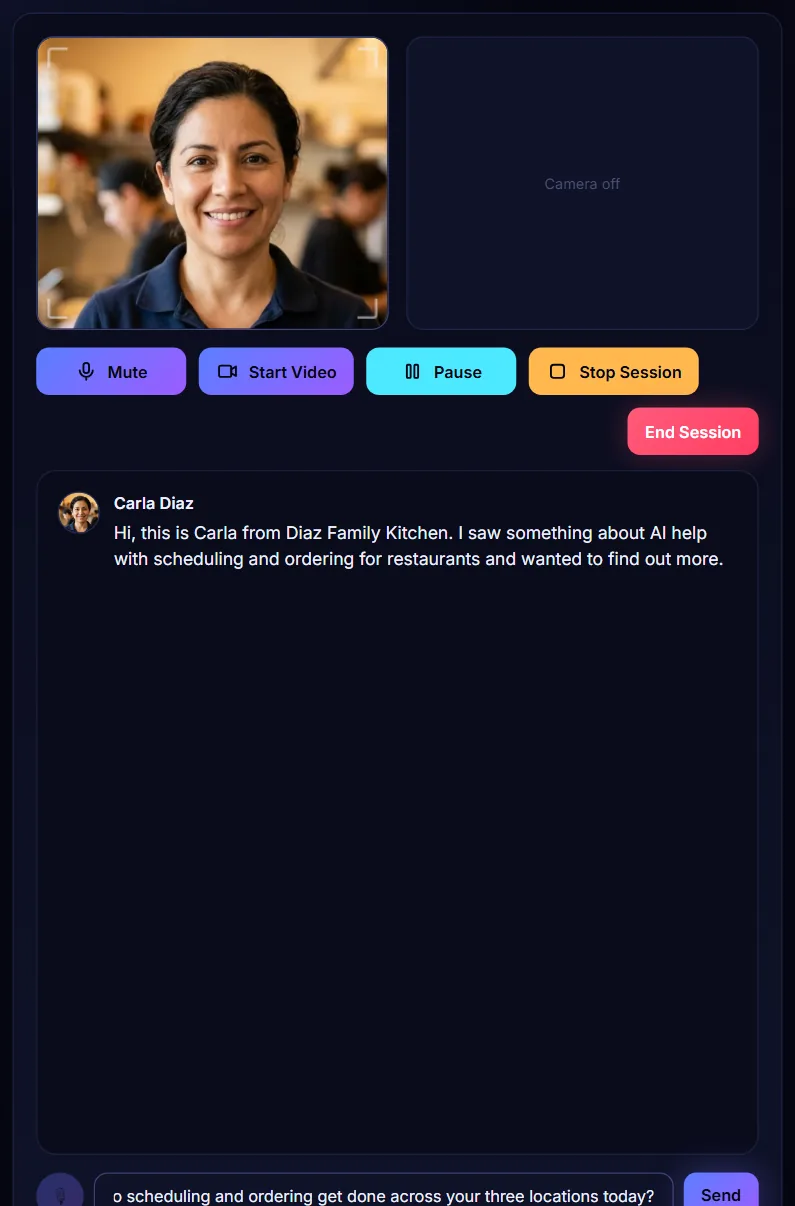
Type your reply and press Send
Type what you would say in the box at the bottom, then press Send or the Enter key. Write it the way you would say it out loud.
-
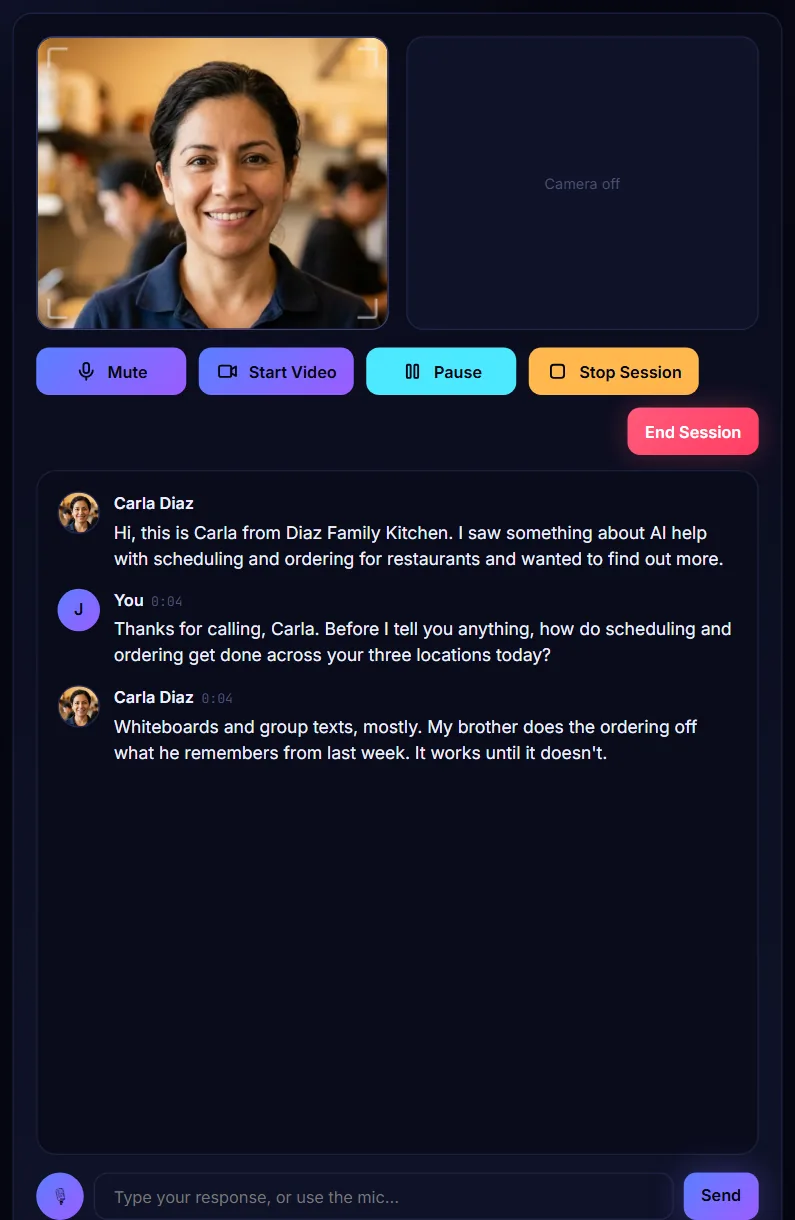
Read the persona's answer
The persona answers in character. Your words and theirs build up in the middle panel, each with the time it was said.
-
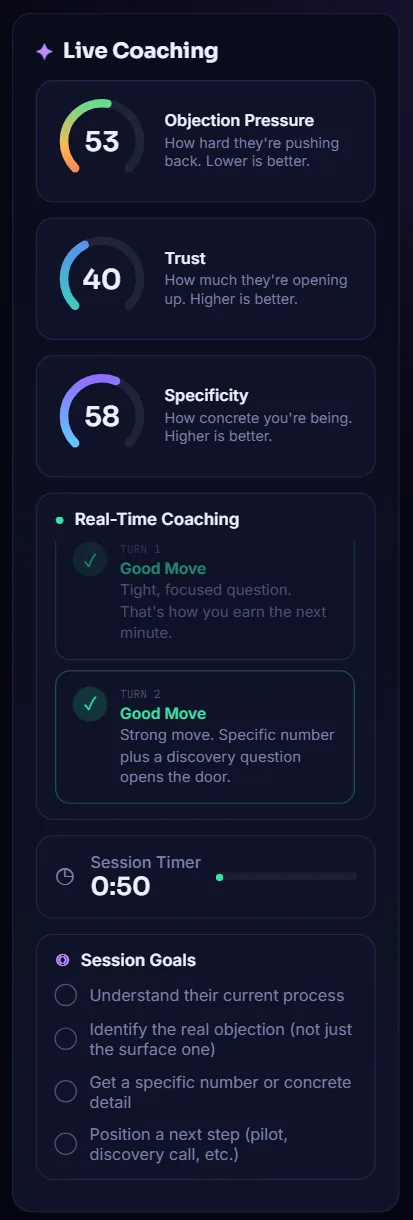
Watch the three gauges
Live Coaching scores every reply. Objection Pressure should go down. Trust and Specificity should go up.
-
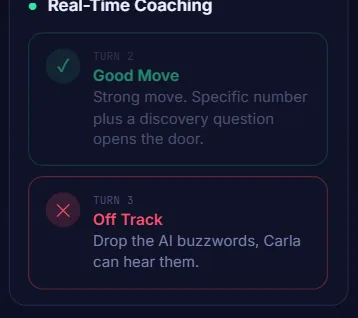
Read the coaching card for each turn
Under Real-Time Coaching you get one short card per turn, such as Good Move or Off Track, with one line of advice. Here a reply full of buzzwords earned an Off Track card.
-
Look up the persona when you are stuck
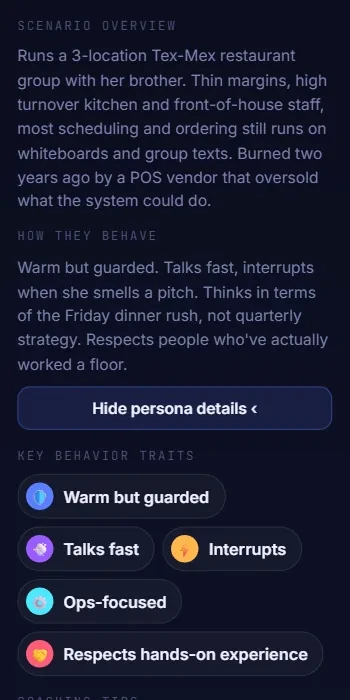
Click View full persona details in the left panel to read the full scenario overview and how the persona behaves. Click Hide persona details to close it.
-
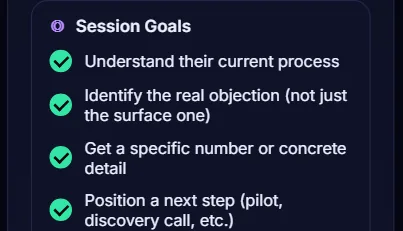
Tick off your session goals
At the bottom of the coaching panel, tick each goal as you reach it. You judge these yourself, and your ticks are listed again in the debrief.
-
Pause if you are interrupted
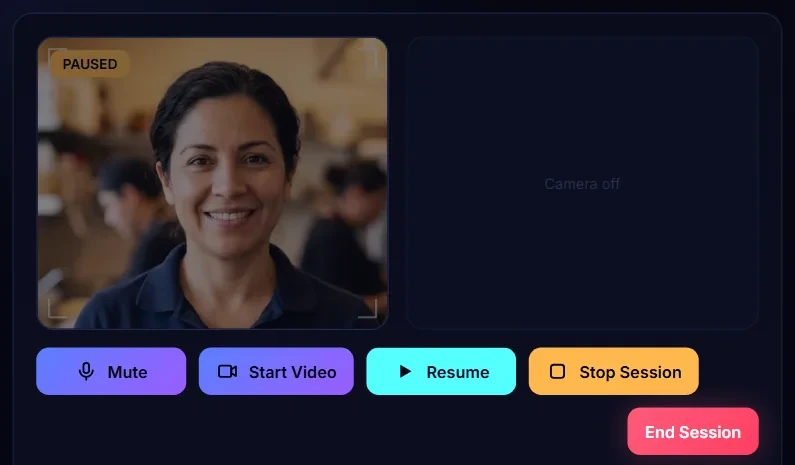
Click Pause to stop the clock. The persona tile shows PAUSED and you cannot send replies. Click Resume to carry on.