The suite
Ask CuratorPilot
CuratorPilot is the assistant on the Command Center. It answers from your session files and can open a client in the right app. It asks before it does anything.
-
Turn it on
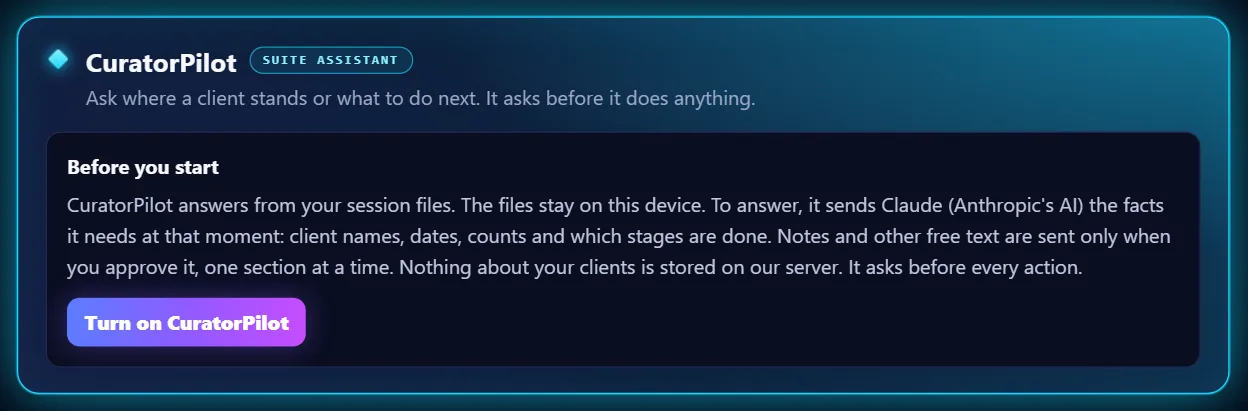
Scroll to CuratorPilot, read Before you start, and click Turn on CuratorPilot. It explains what is shared: client names, dates, counts and which stages are done. Notes and other free text are sent only when you approve it, one section at a time.
-
Pick a question or type your own
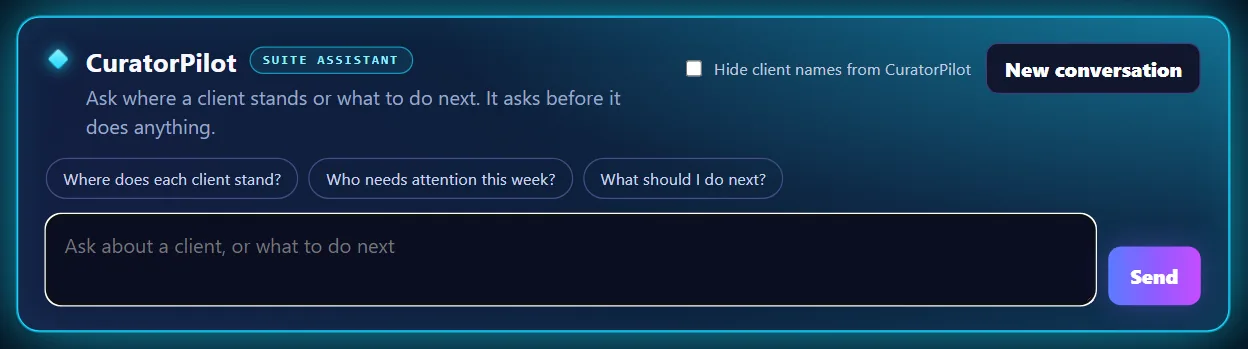
Click one of the suggested questions, or type your own in the box.
-
Send your question
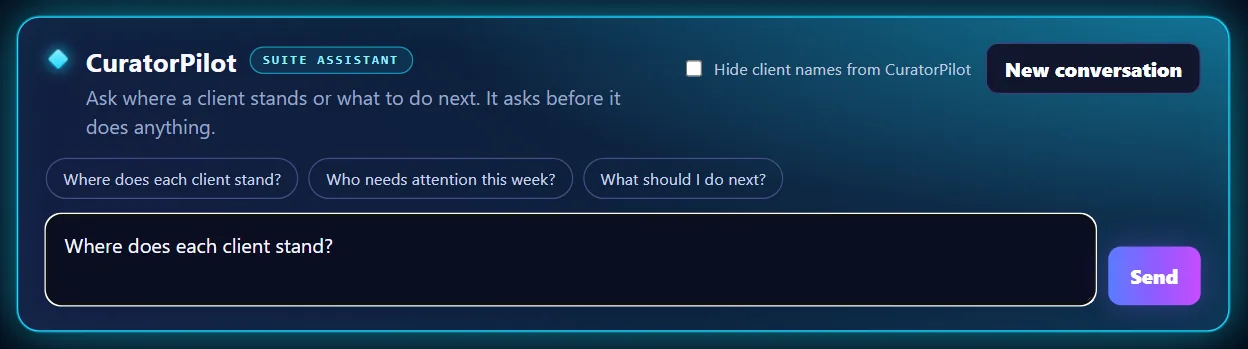
Click Send. Good questions are about your clients and your next move, such as who needs attention this week.
-
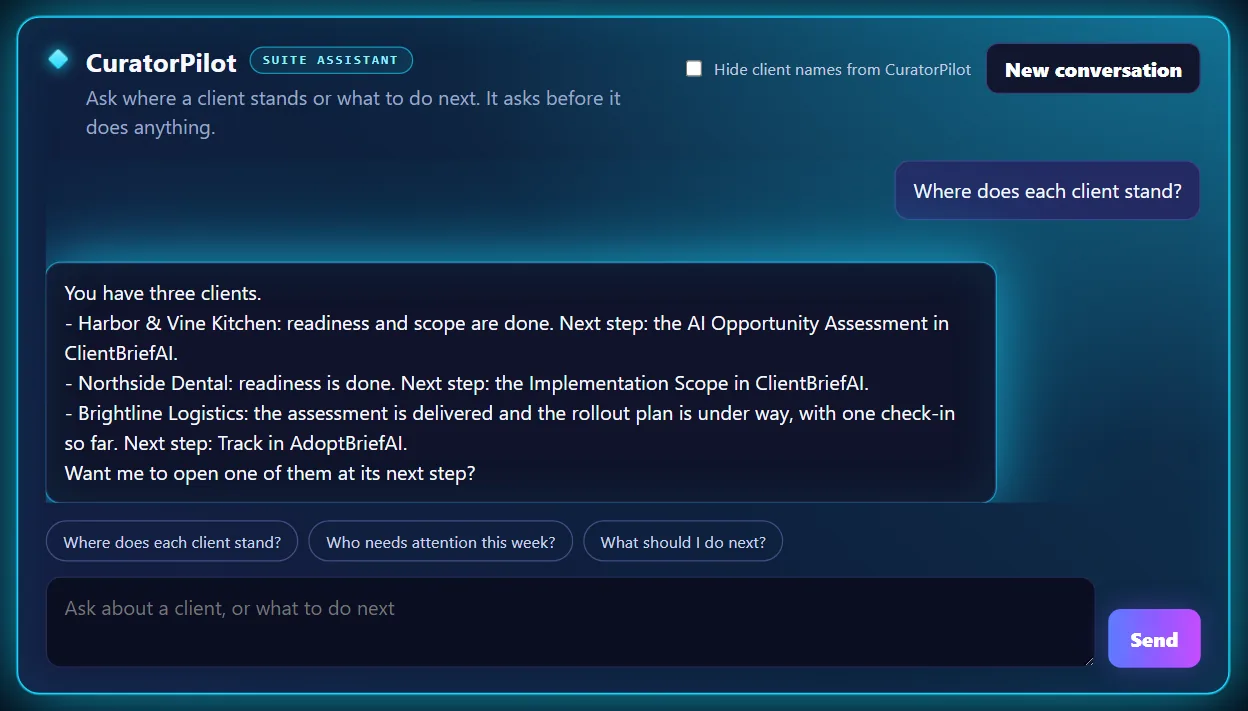
Read the answer
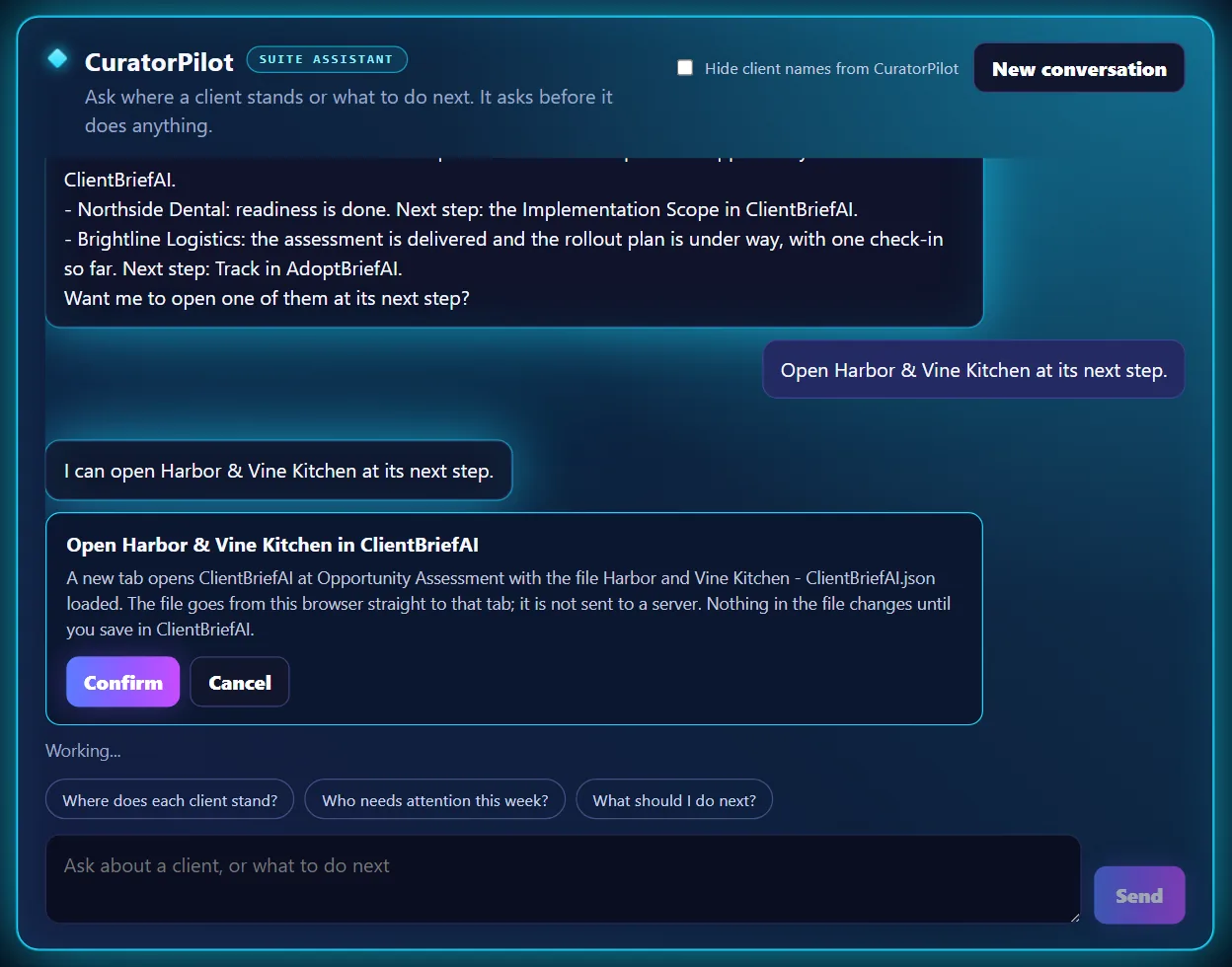
CuratorPilot answers in plain text, using the client names from your files. You can keep asking in the same conversation, or click New conversation to start over.
-
Confirm an action
If you ask it to open a client, CuratorPilot shows a card that says exactly what will happen. Nothing happens until you click Confirm. Click Cancel to leave things as they are.