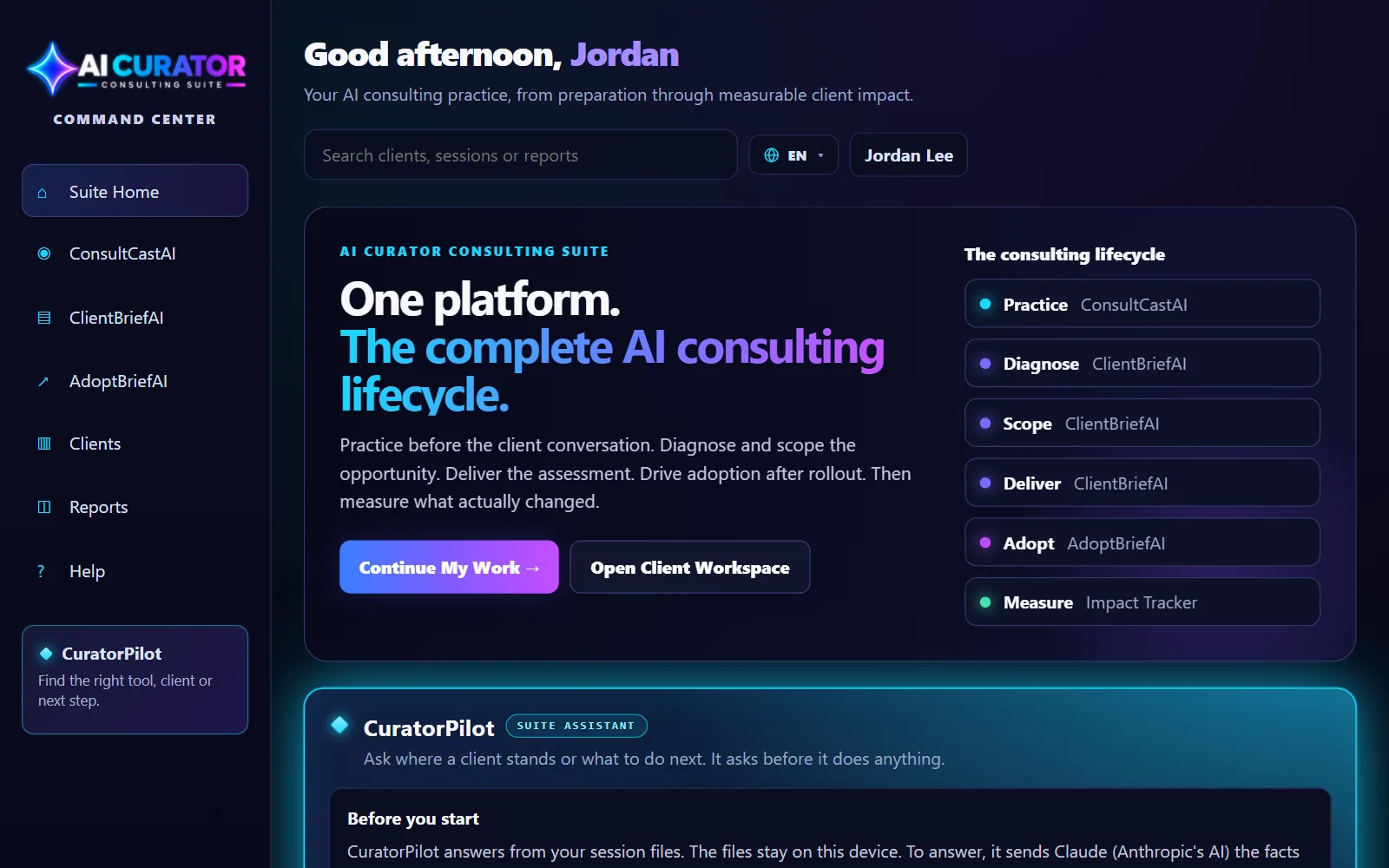
The suite
Change the language
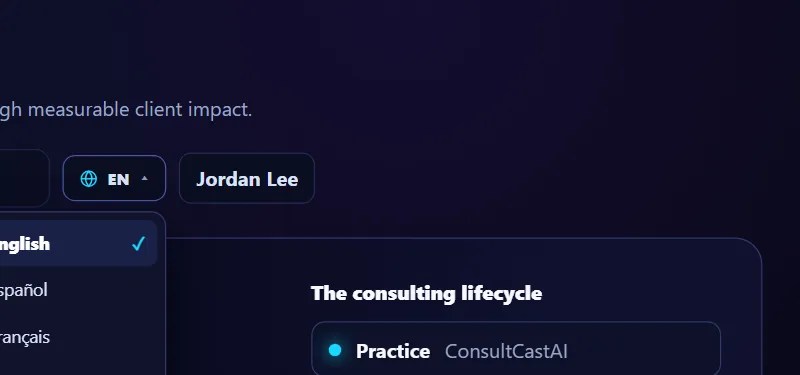
The suite, ClientBriefAI and AdoptBriefAI are available in English, Español, Français and Português. Your choice is saved on your account, so it follows you into those apps. ConsultCastAI is in English only for now.
-
Open the language menu
Click the globe at the top of the page, next to your name, and pick a language.
-
Keep working in that language
The page changes straight away. The next time you launch ClientBriefAI or AdoptBriefAI, it opens in the same language.