
The suite
Sign in and sign out
You sign in on the suite. After that, every app opens without asking for a password again.
-
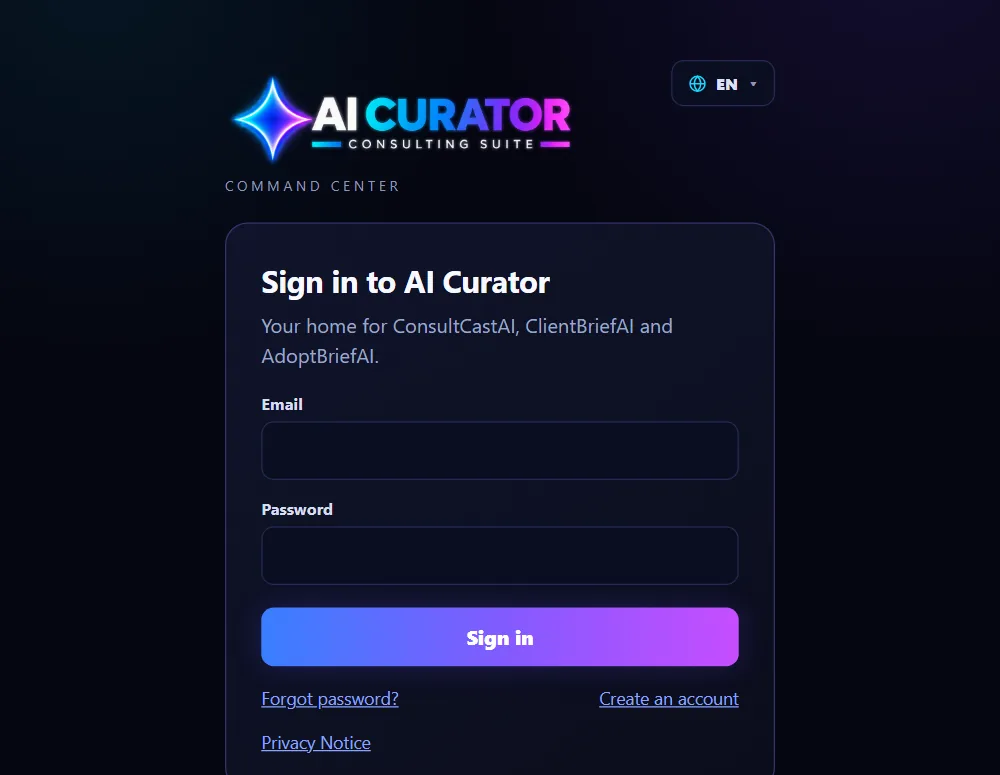
Sign in
Go to aicsuite.ai-curator.ai, type your email and password, and click Sign in. You land on the Command Center, the suite's home page.
-
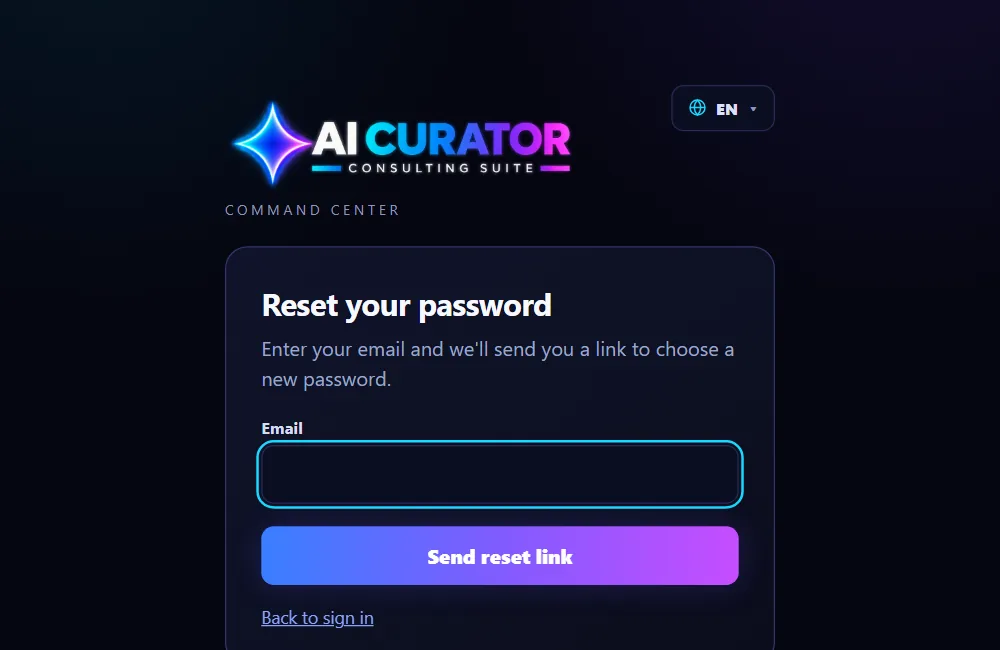
Reset a forgotten password
On the sign-in page, click Forgot your password?. Enter your email and we send you a link to choose a new password.
-
Sign out
Click your name at the top of the Command Center and choose Sign out. This signs you out of the suite and all three apps at once.