The suite
Create your account
One AI Curator account opens ConsultCastAI, ClientBriefAI and AdoptBriefAI. You create it once, on the suite.
-
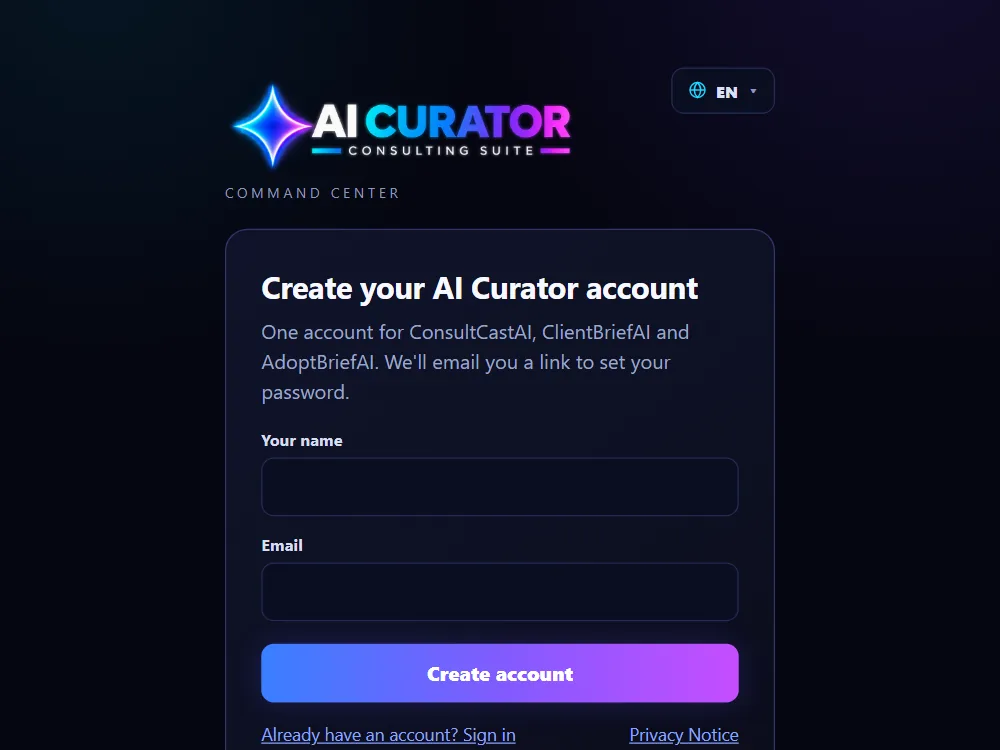
Open the sign-up page
Go to aicsuite.ai-curator.ai and choose Create your account. If you start from one of the apps, its sign-up link brings you to the same page.
-
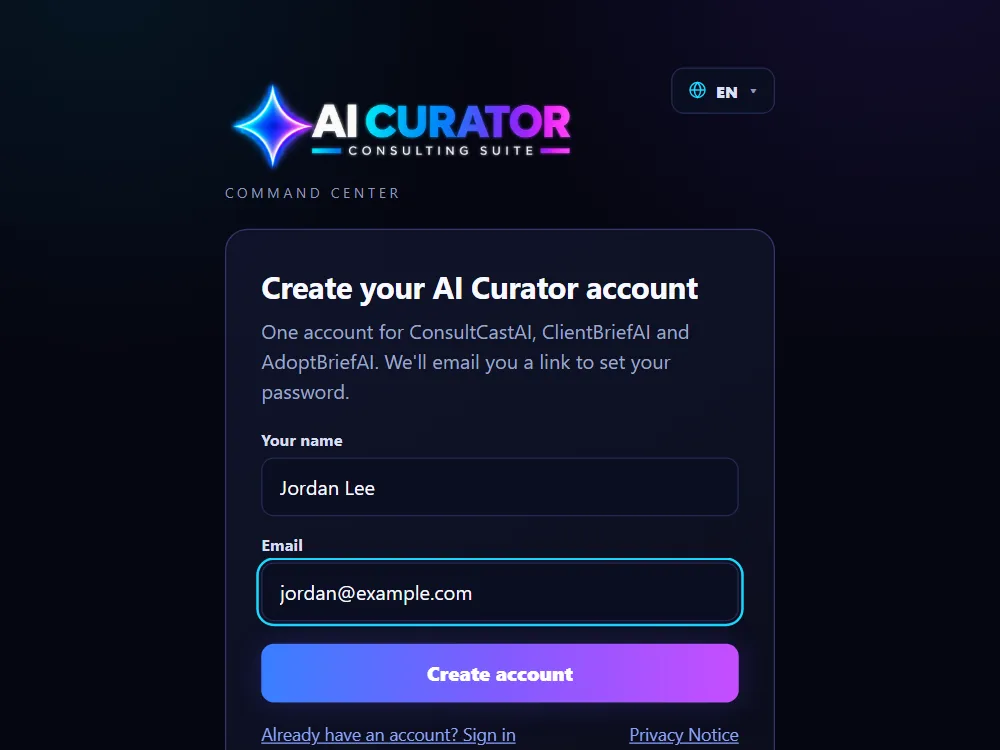
Enter your name and email
Type your name and the email address you want to sign in with, then click Create account. You do not choose a password yet.
-
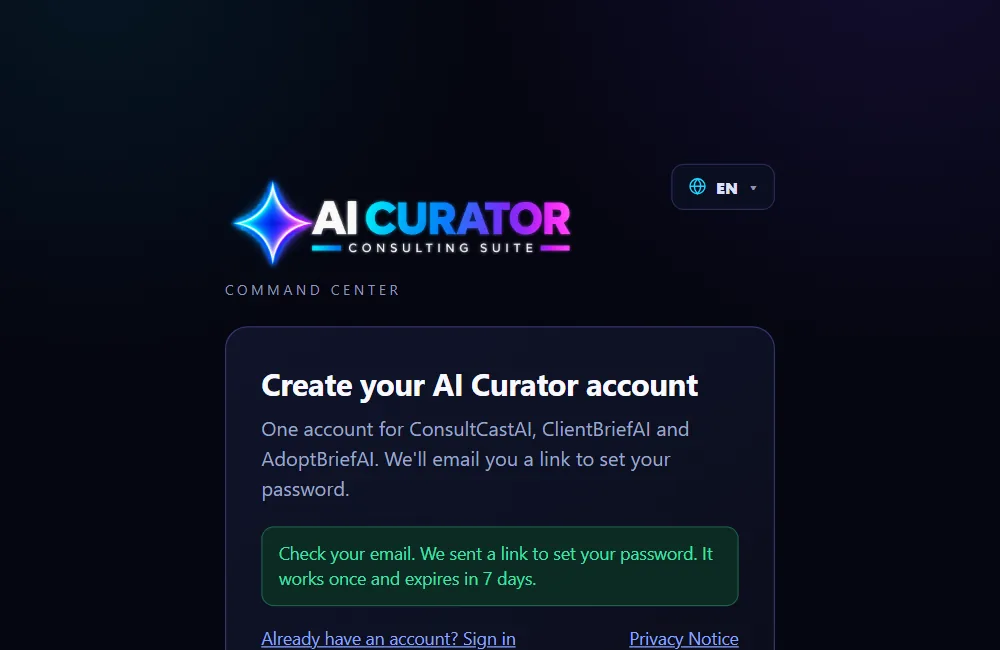
Check your email
The page tells you to check your email. We send you a link to set your password. The link works once and expires in 7 days.
-
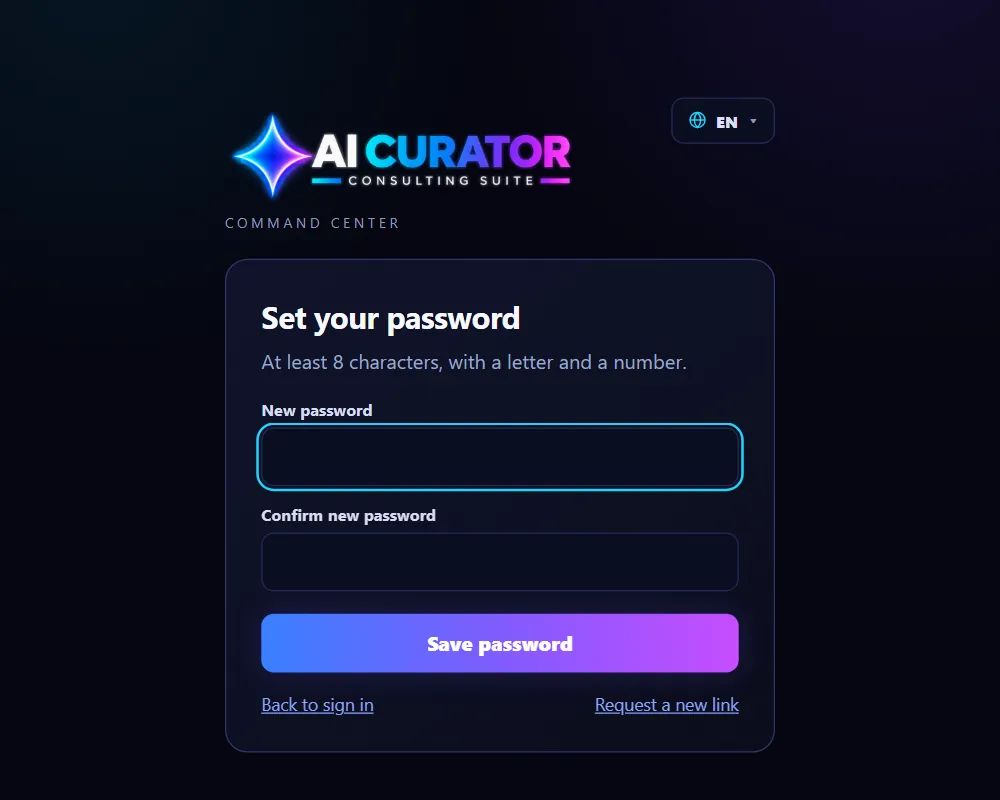
Set your password
Open the link in the email. Type a password with at least 8 characters, including a letter and a number, type it again, and click Save password. Then sign in with your email and new password.