ConsultCastAI
Your trial minutes
A trial account gets 10 minutes of practice in total. One session can use all 10 minutes, or you can spread them over several shorter sessions. This page shows where the count appears and what to expect as it runs down.
-
Find the counter
The header shows how many trial minutes you have left, for example "10 of 10 trial minutes left". It is always in whole minutes, rounded down.

-
Watch it during a session
While a session runs, the counter counts down next to the Live badge and the session timer. The clock stops when you pause and starts again when you resume.

-
Check what is left afterwards
When the session ends, the counter shows your new total. Here two sessions of about two and four minutes have left 3 of the 10 minutes.

-
Heed the one minute warning
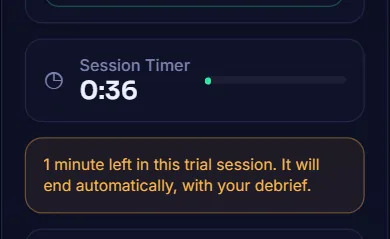
A trial session ends when your trial minutes run out: after 10 minutes if you started with all 10, or sooner if you had fewer left. One minute before that, a notice appears under the Session Timer.
-
Let the session end itself
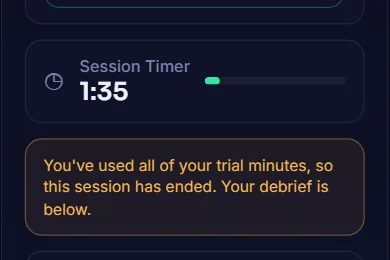
At the limit the session ends on its own and your debrief is written as usual. Nothing you said is lost.
-
See the Trial complete panel
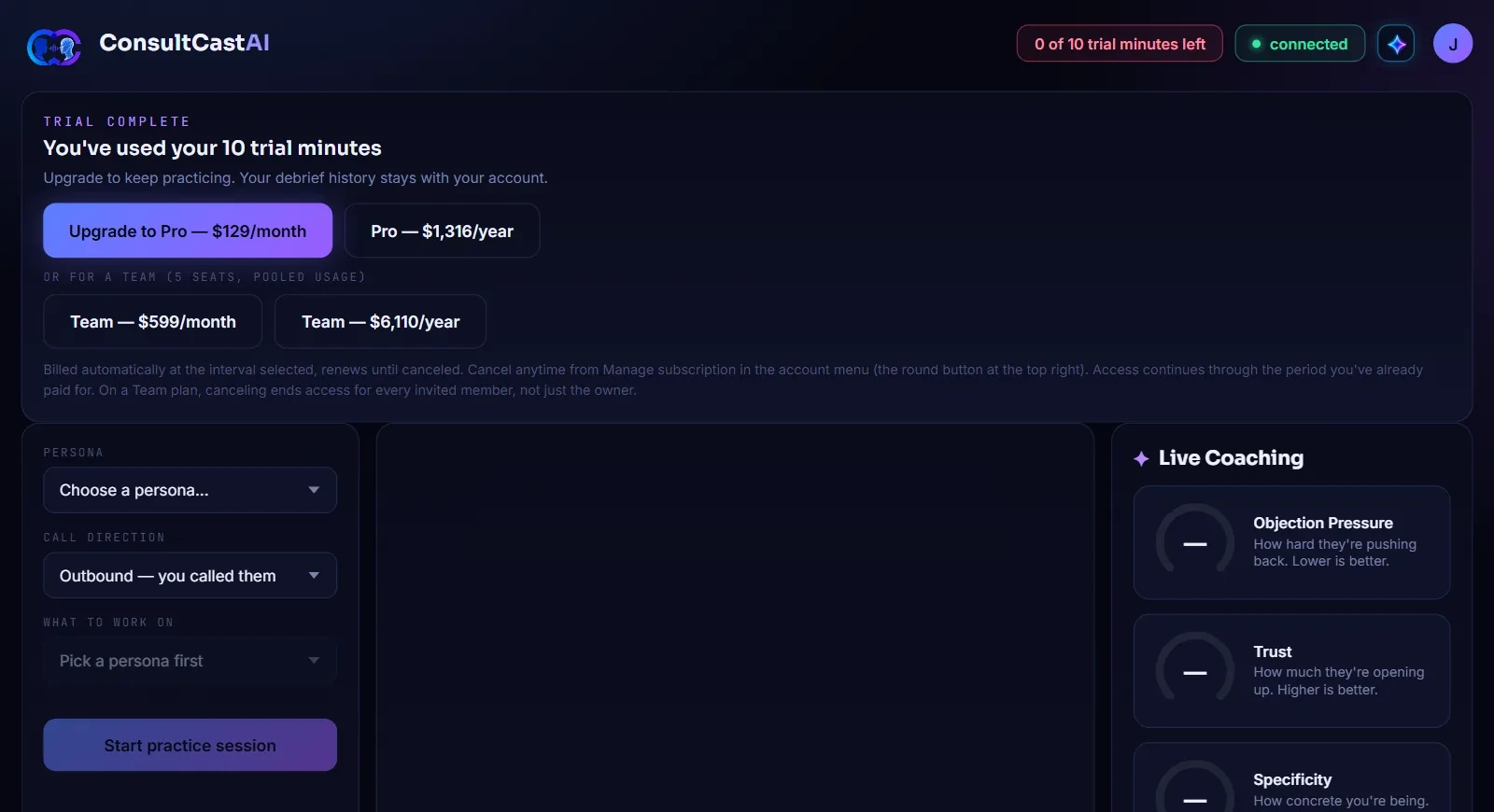
With less than one minute left, the trial is used up. The counter reads 0, a Trial complete panel appears, and Start practice session is switched off until you upgrade. Your debrief history stays with your account.
-
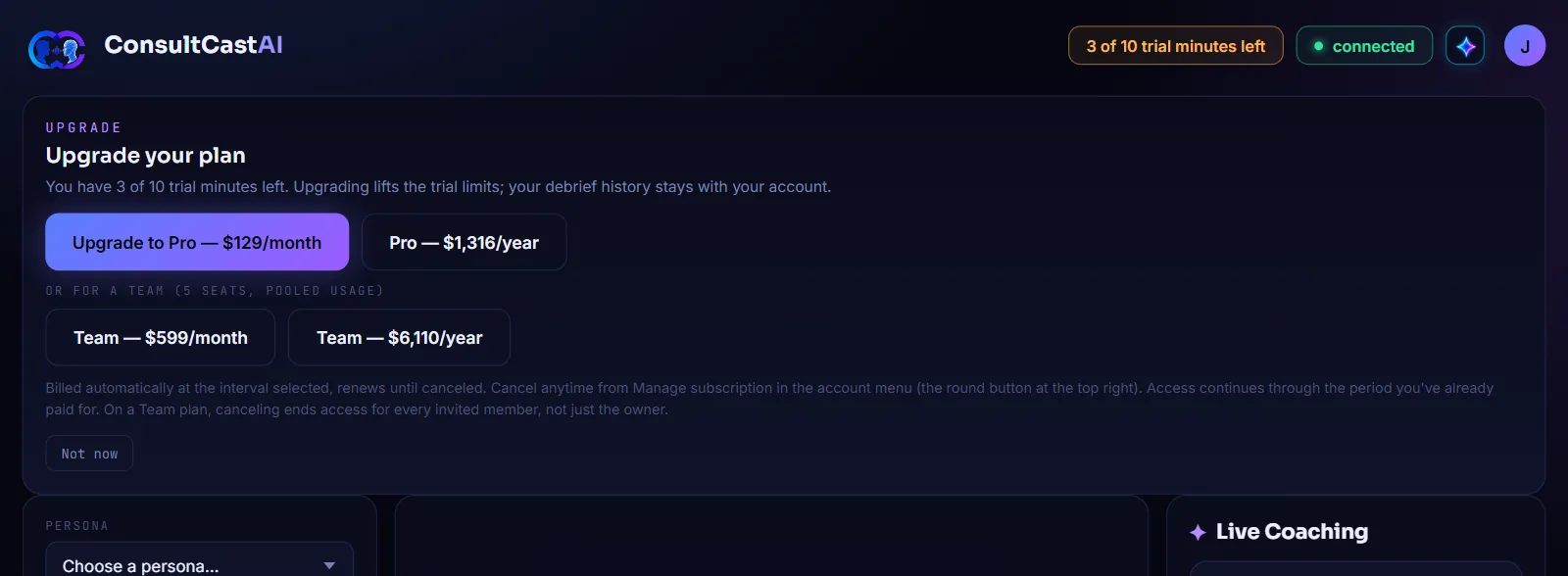
Upgrade whenever you like
You do not have to wait until the minutes run out. Open your account menu and choose Upgrade plan to see the same choices, with a reminder of how many minutes you have left. Click Not now to close it.