ClientBriefAI
Create an AI Opportunity Assessment
The AI Opportunity Assessment is the document you send to the client. It covers the current state, key challenges, recommended AI opportunities, estimated impact and next steps.
-
Note the client's goals
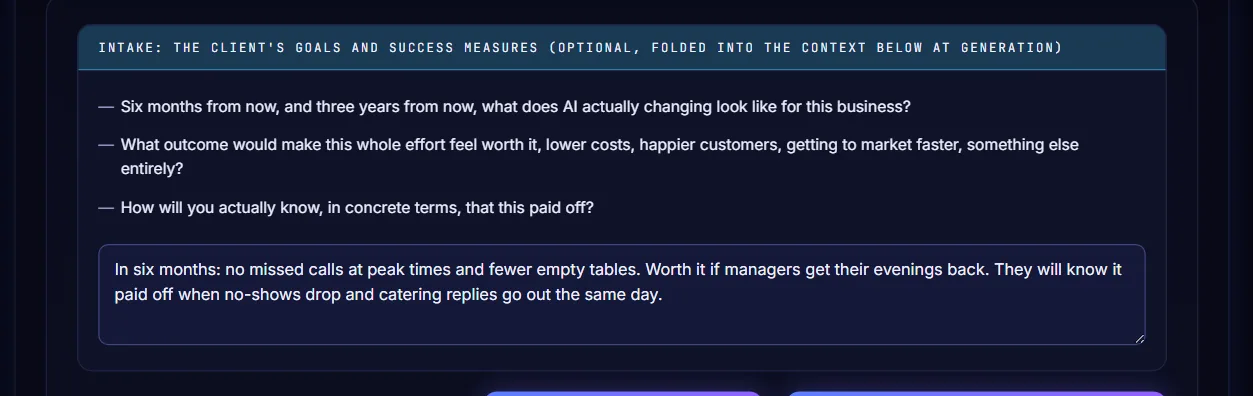
Choose AI Opportunity Assessment in the sidebar. Ask the three intake questions and type the answers in the box. This is optional and is added to the context when you generate.
-
Add the context
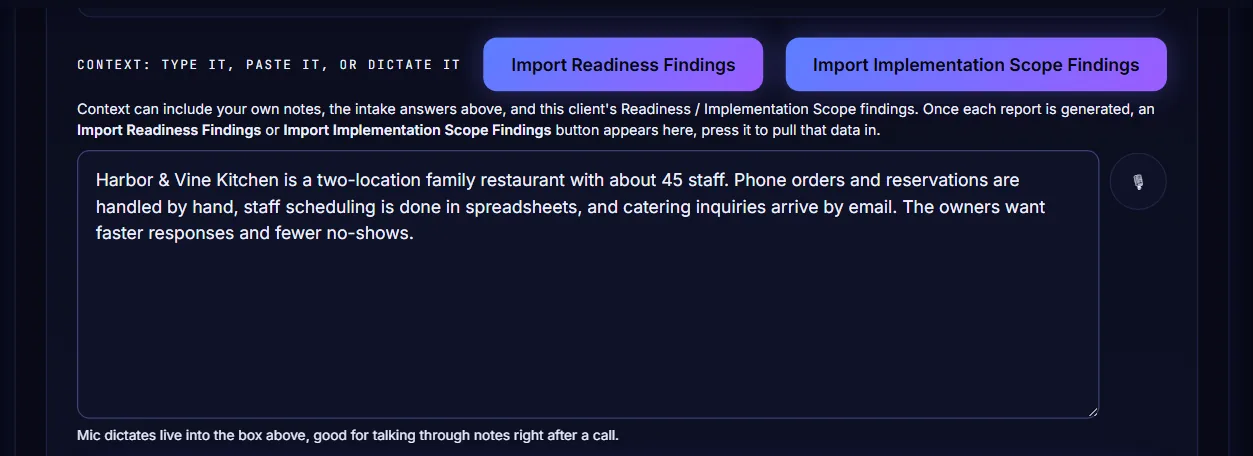
Type or paste what you know about the client in the context box. If you have already generated the Readiness report or the Implementation Scope for this client, press Import Readiness Findings or Import Implementation Scope Findings to pull those results in.
-
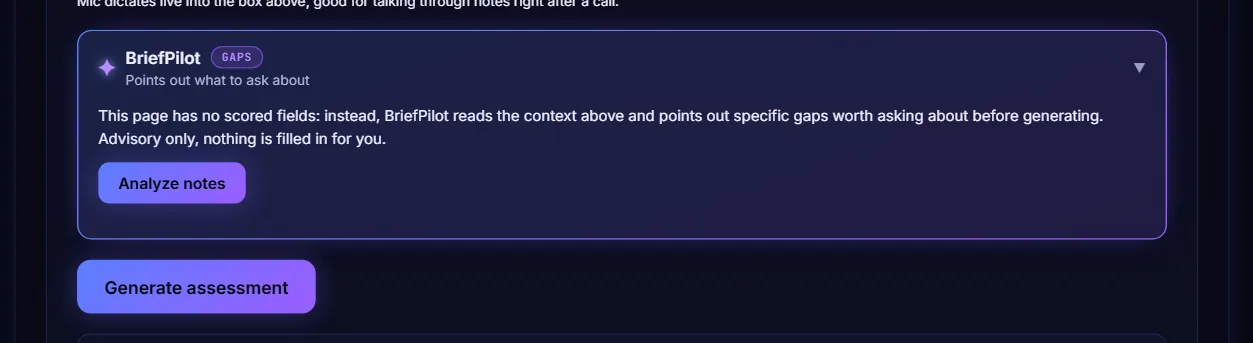
Generate the assessment
Press Generate assessment. The app writes the assessment from your notes and the imported findings.
-
Read and edit the result
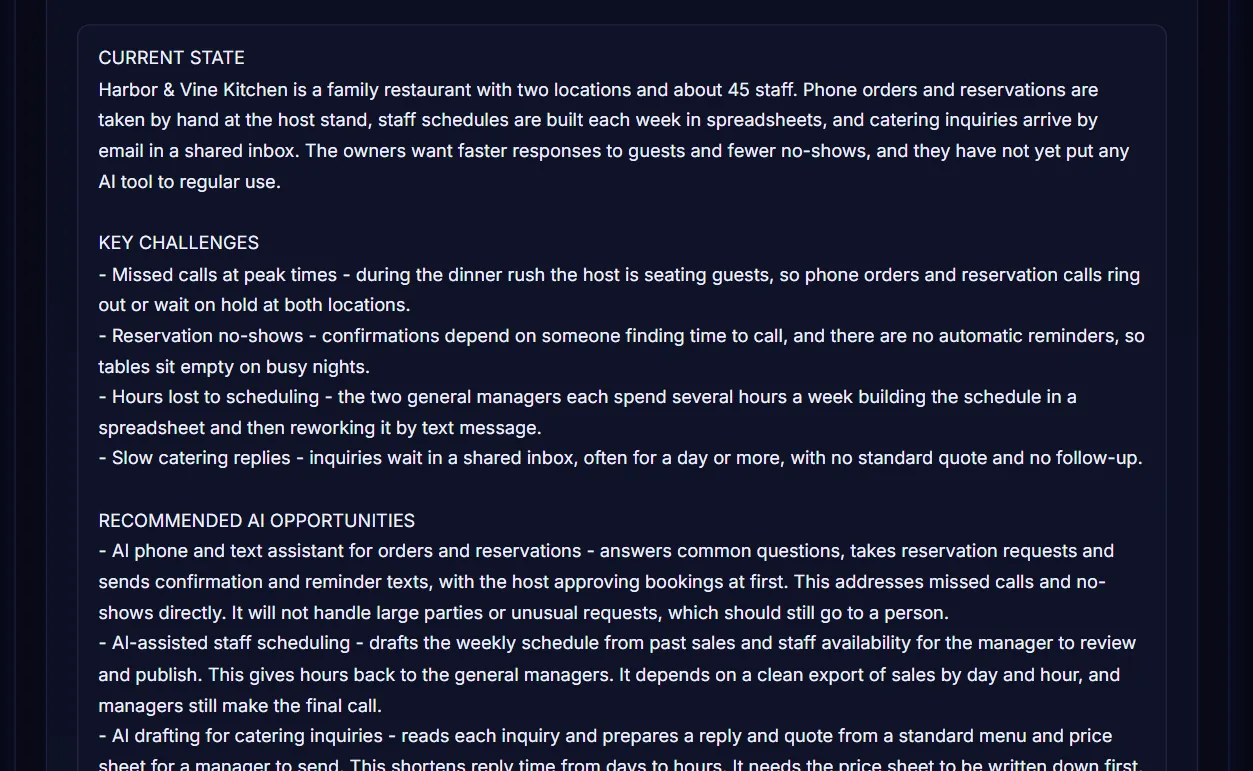
The assessment appears in an editable box with the sections Current State, Key Challenges, Recommended AI Opportunities, Estimated Impact and Suggested Next Steps. Change any wording you like before you share it.
-
Open the report
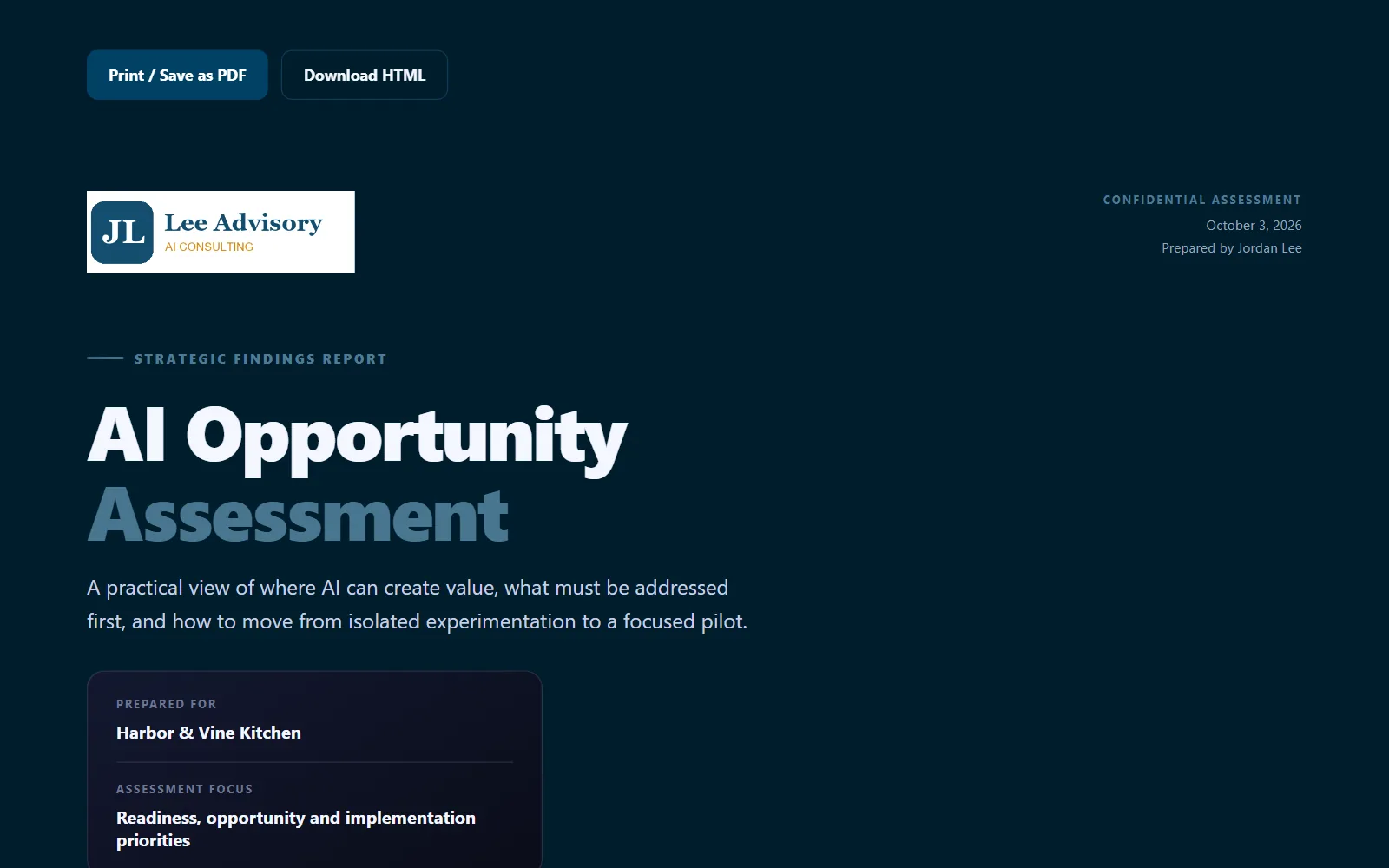
Under the text, press Open Report to see the designed report in a new tab. Download HTML saves the same report as a single file.

-
Export the report
The report carries your logo, the client name and the date. Press Print / Save as PDF to make a PDF, or Download HTML to keep a file you can send.
-
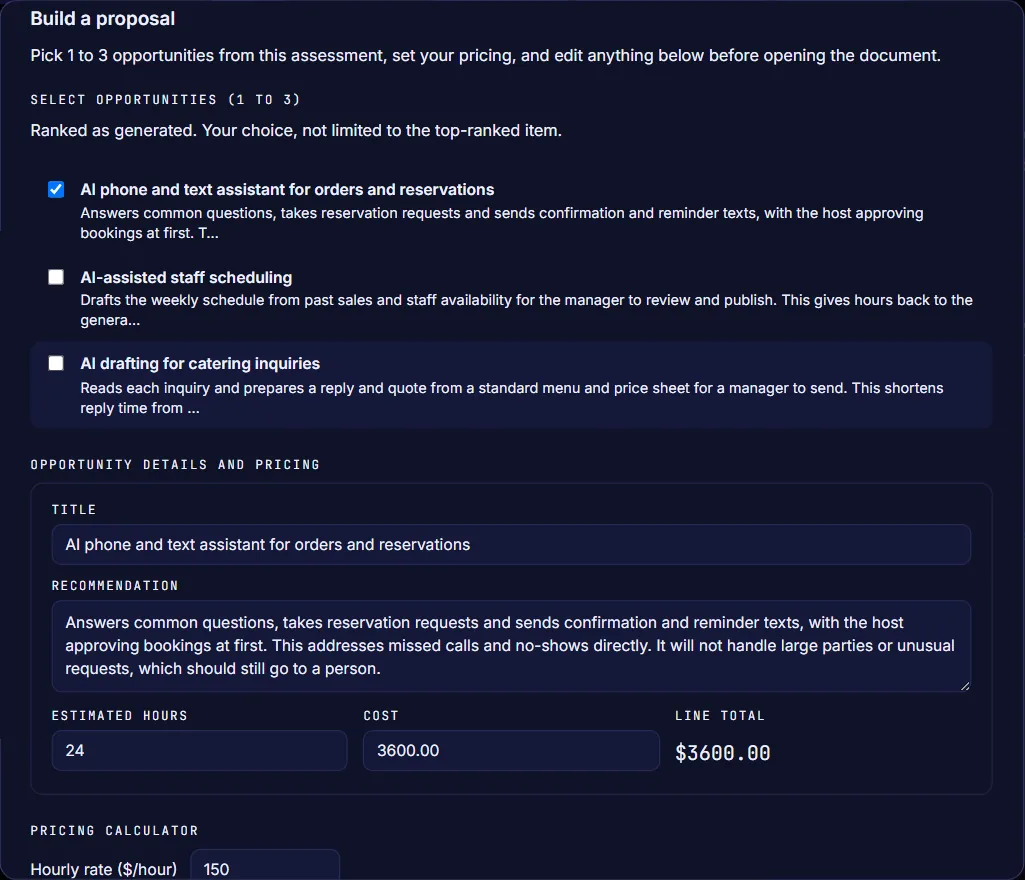
Build a proposal
Press Generate Proposal to open Build a proposal. Tick one to three opportunities, enter the estimated hours and your hourly rate, and adjust the text. Then press Open Report at the bottom of the window to see the proposal, or Download HTML to save it.